[ free · open source · menu bar ]
Your lid deserves a better goodbye.
Right now, closing a MacBook does nothing visually — the screen just cuts to black. Bendd reads the hinge's real angle sensor and tilts your actual desktop shut as you close it, fading out right as the screen goes edge-on. Not a canned animation. Your real pixels, actually bending.
Apple Silicon · macOS 14+ · ad-hoc signed for now, see why
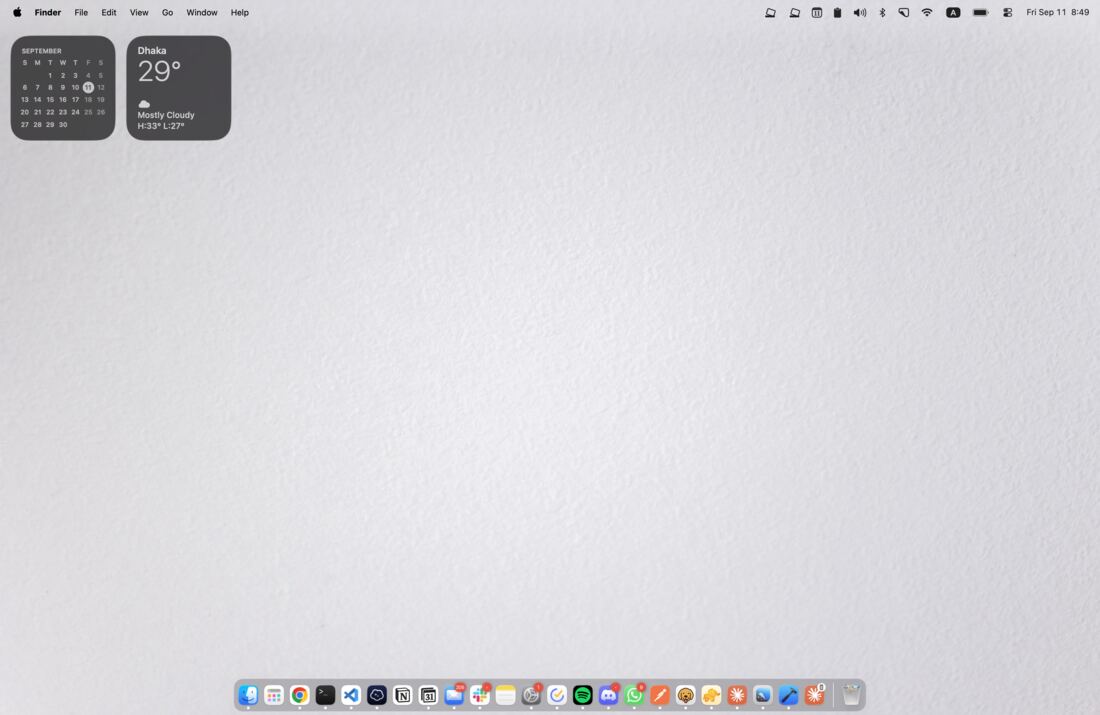
↓ scroll — these are real captures from the app at each angle, not a GIF
[ how it works ]
Three things, sixty times a second.
No keyframes, no canned easing curve. Bendd is actually watching the hinge and actually watching your screen while it does it.
01 · SENSE
Read the hinge
Polls the same lid-angle sensor behind auto-dimming, at up to 60Hz while the lid's actually moving, and drops to 10Hz otherwise so your fan stays quiet.
02 · CAPTURE
See the desktop
Grabs your live screen via ScreenCaptureKit, straight onto the GPU as a texture, zero copies. Nothing touches disk, nothing leaves the machine.
03 · RENDER
Bend it
A Metal shader tilts that frame around the hinge, with blur and shadow scaled to how closed you are. That's the whole trick.
[ pick a mood ]
Three ways to fold.
Same math, different finish. Hover a swatch — that's genuinely what each style looks like, not a stand-in.
Silk
Soft focus, light shadow. The gentle version of goodbye.
Shade
Sharper edges, heavy shadow. For dramatic closings.
Frost
Blur, shadow, and the color quietly drained out.
[ what it can't do ]
Reasons this might not be for you.
An honest list, because the download page shouldn't be the only place you find these out.
- ×
Apple Silicon only. The lid-angle sensor this whole app is built on doesn't exist on Intel Macs.
- ×
It's a visual effect, not a privacy screen. Closing the lid slowly does not hide your desktop from a screen share already in progress.
- ×
External monitors are untouched. Bendd only ever bends the built-in display. Clamshell mode with a second screen just puts the Mac to sleep, same as always.
- ×
One machine tested. The sensor's vendor/product IDs came from other people's reverse-engineering, not Apple's documentation — they should hold across recent MacBook Air/Pro models, but "should" is doing some work in that sentence.
[ requirements ]
What it needs to run.
- Chip
- Apple Silicon
- Models
- MacBook Air/Pro (M2+), 16" MacBook Pro (2019)
- OS
- macOS 14 or later
- Permission
- Screen Recording
- Price
- $0
- License
- MIT
Nothing is recorded, saved, or sent anywhere. The captured desktop exists only as a texture on your own GPU, for one frame, so the bend has something to draw. Bendd doesn't have network code — there's nowhere for it to send anything even if it wanted to.
[ get bendd ]
Download the latest build.
Ships as a DMG straight from GitHub Releases. Free, open source, no account, no email.
Download for MacNot notarized by Apple yet. That requires a Developer ID certificate, which Apple currently restricts to the account's Account Holder role — not available on this project's developer enrollment yet. Until it is, the build is ad-hoc signed, so first launch will say it's damaged. Instead, right-click Bendd.app in Applications, choose Open, and confirm the dialog. Only needed once.
Still refuses to open? Run xattr -cr /Applications/Bendd.app in Terminal. That's the whole workaround.